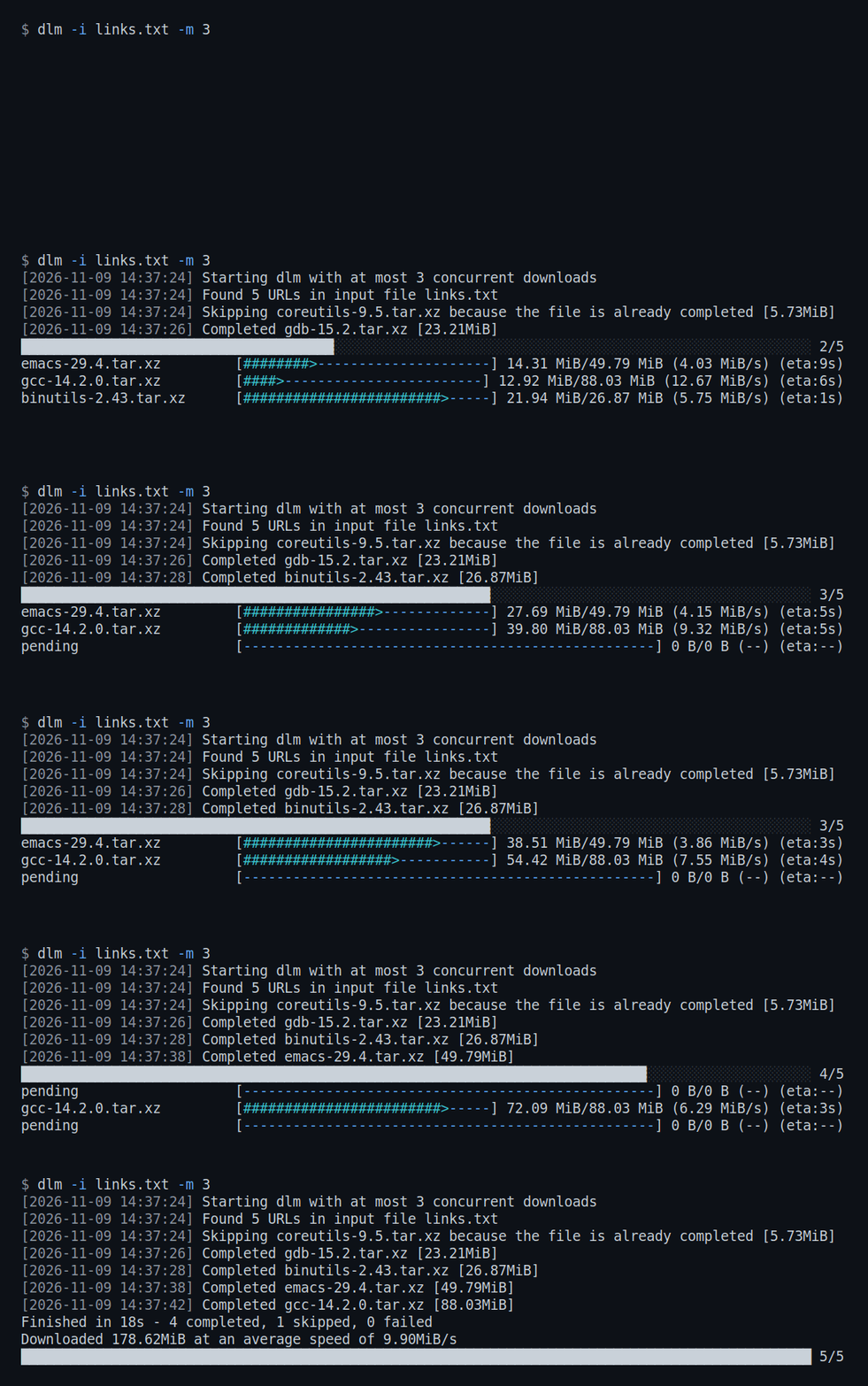
Concurrent
Reads URLs from a file, one per line; blank lines and #
comments are ignored. Downloads up to -m at once (2 by
default), each with its own progress bar.
Resumable
Writes to a .part file until a download completes, and
continues from there on the next run using HTTP range requests.
Connection errors, timeouts, 429 and 5xx are
retried with backoff, 10 times by default.
Scriptable
Skips files already in the output directory. Ends every run with a
summary of completed, skipped and failed downloads, and exits with
1 if any failed.
Usage
# a single file
$ dlm https://example.com/file.iso

# a list of URLs, 4 at a time, into a directory
$ dlm -i links.txt -m 4 -o ~/downloads

# with a header, basic auth or a proxy
$ dlm -i links.txt -H 'Authorization: Bearer <token>'
$ dlm -i links.txt --user alice:secret
$ dlm -i links.txt --proxy http://proxy:3128

# all options
$ dlm --help
Details
- File names come from the URL. When it has no extension, dlm asks the
server and uses the
Content-Dispositionheader or the redirect target. - A file is considered downloaded when a file with that name exists in the output directory. Its size and content are not checked.
- A
.partfile is resumed only when the server supports range requests and reports a size. Otherwise the download starts over. - A completed download is checked against the size the server reports. One that is short is retried.
- Ctrl-C stops the run and leaves unfinished downloads as
.partfiles. A second Ctrl-C exits immediately.